Sign up for Tayo
Follow these steps to create your player account and finish setting up your profile.
Open the sign-up pageOpen the sign-up form
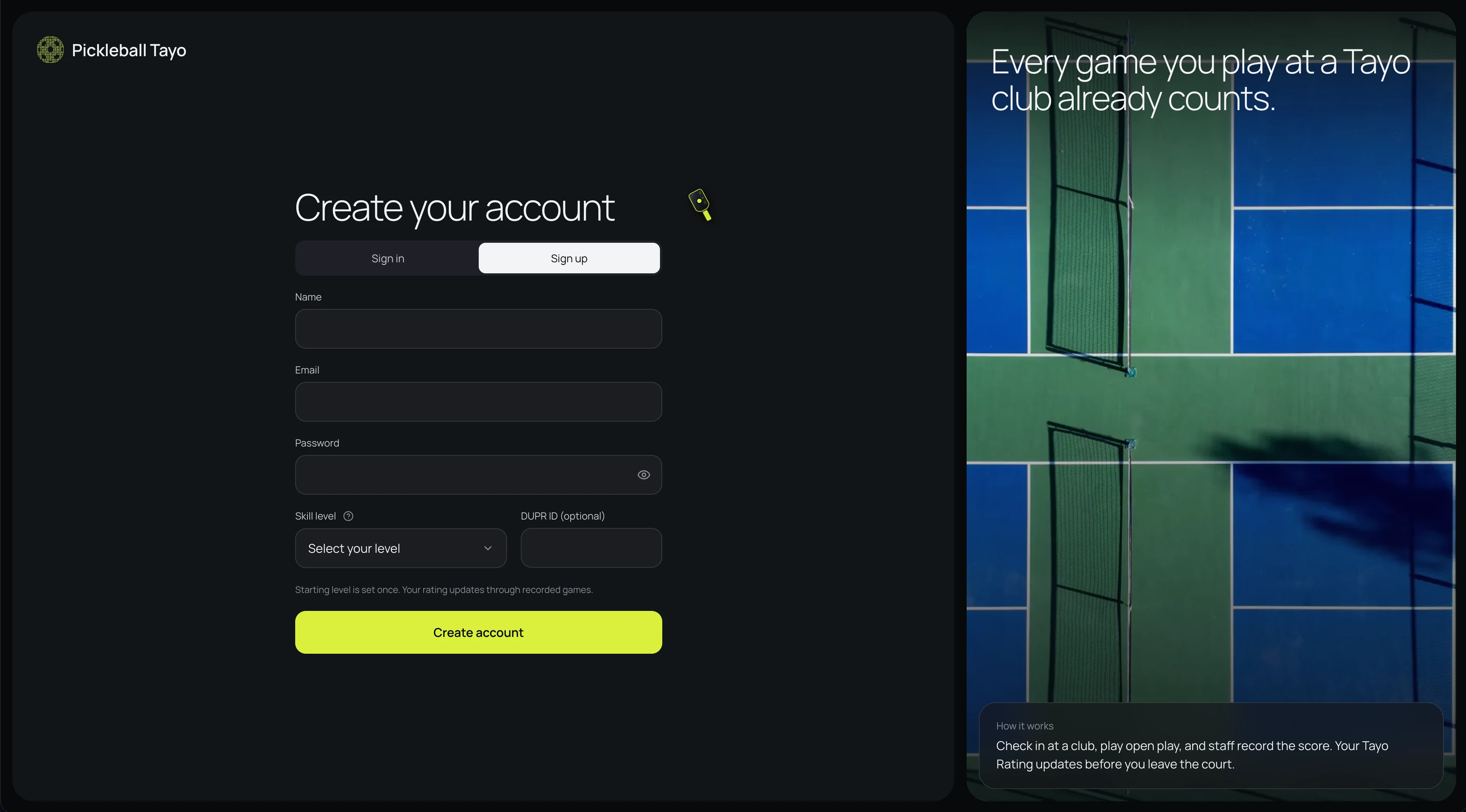
Go to the Pickleball Tayo sign-up page. The form has Sign in and Sign up tabs. If Sign in is selected, choose Sign up to display the account form.
Enter your name and email
Both fields are required. Use an email address in a standard format, such as name@example.com. If the form flags the email, check for a missing “@” or domain ending.
Create a password
Password is required and must be at least 8 characters. Select the eye icon to show or hide what you typed, then check for typos before continuing.
Choose your starting skill level
Select a level from the Skill level menu; the form requires a choice. If you are unsure, open the question-mark help beside the label. Your starting level is set once, so choose the closest match. Your Tayo Rating changes through recorded games.
Add your DUPR ID if you have one
This field is optional, so leave it blank if you do not have a DUPR ID. If you enter one, the field accepts up to 20 characters and formats the text in uppercase.
Create your account
Select Create account. If a required field is missing or invalid, return to the highlighted field and correct it. Follow any confirmation or verification prompt the site shows, and continue when the account is ready.
Complete your player profile
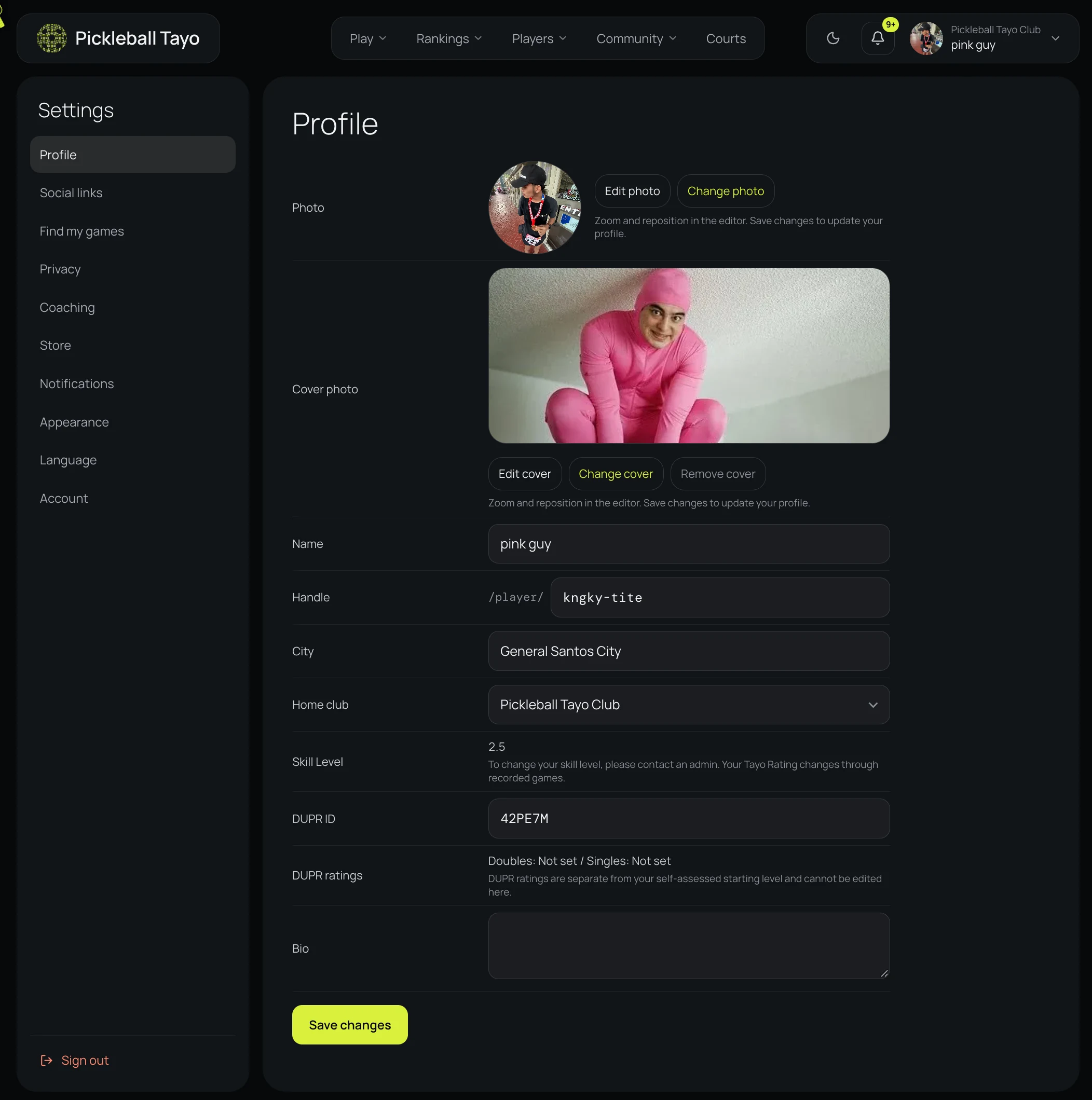
Add profile details such as your photo, city, and home club. Save your changes so players and clubs can recognize you.
Sign in and start exploring
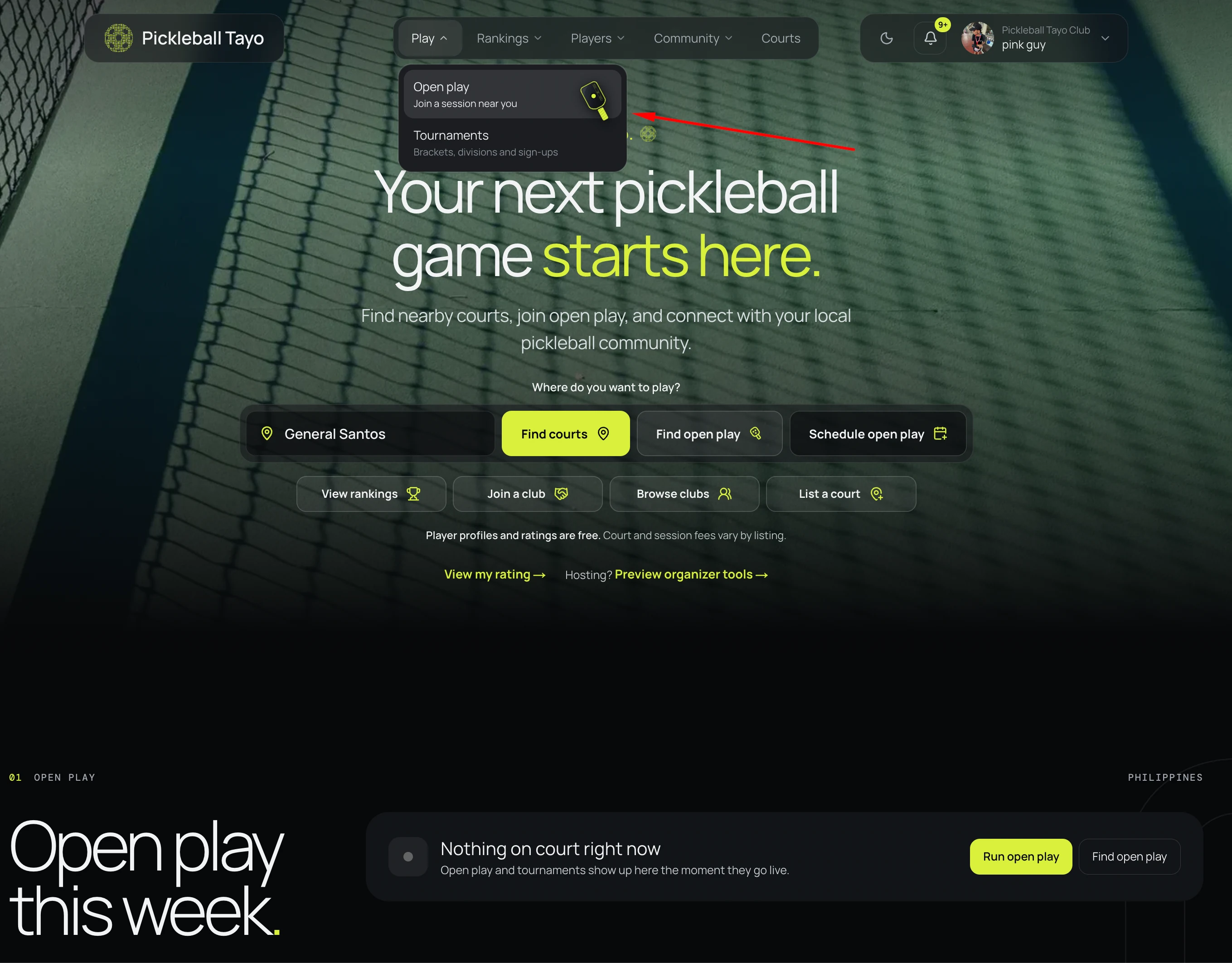
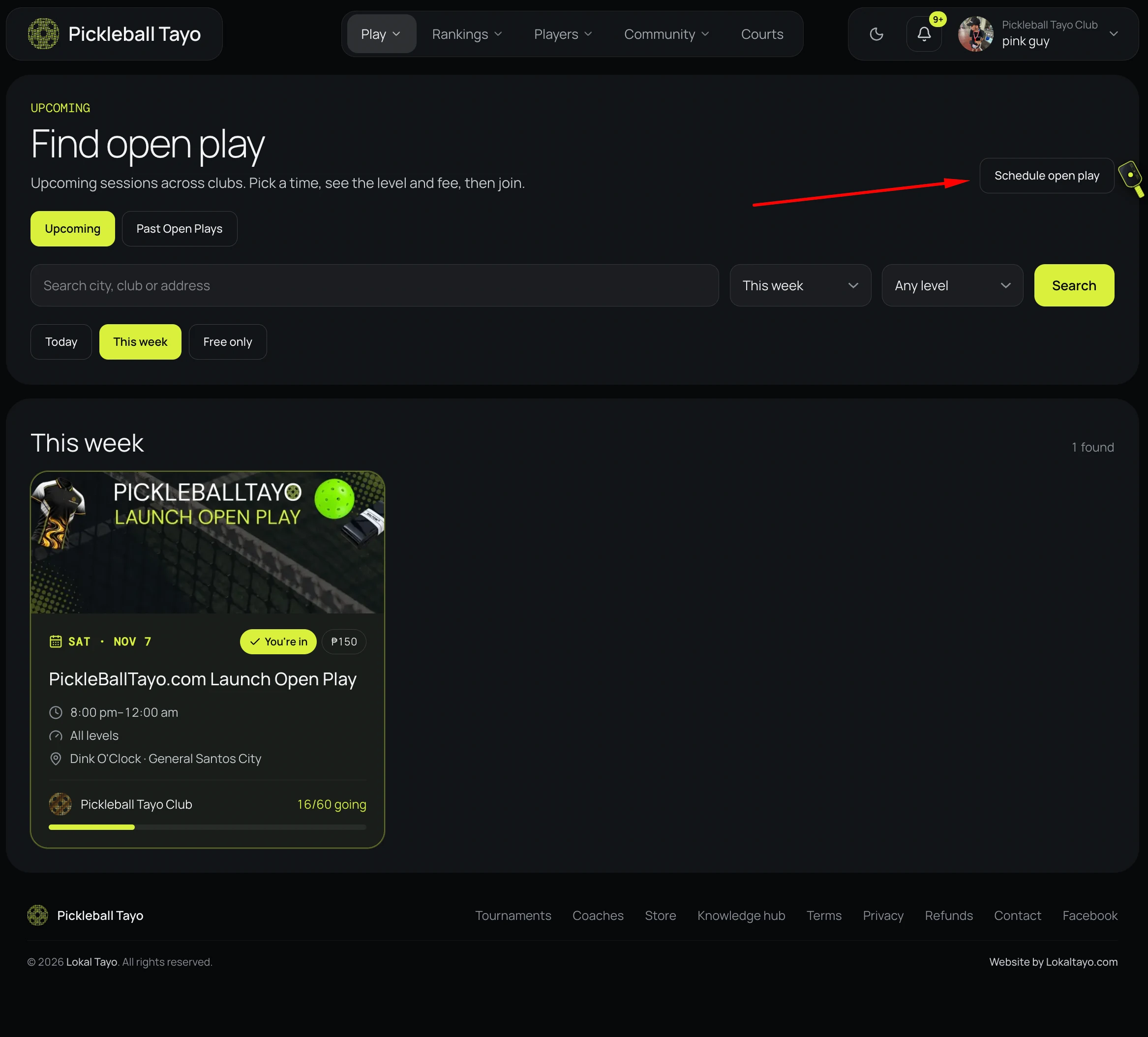
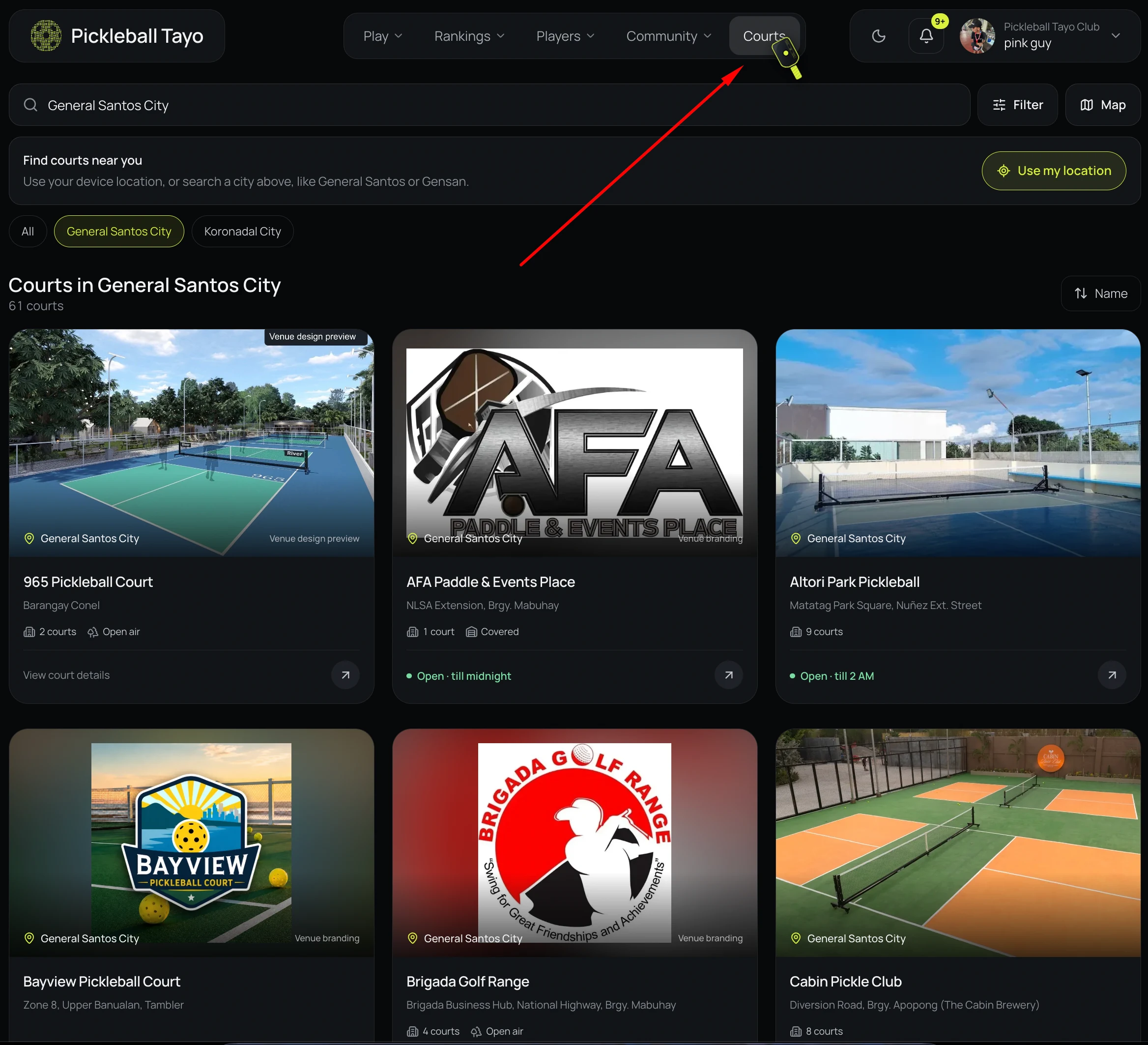
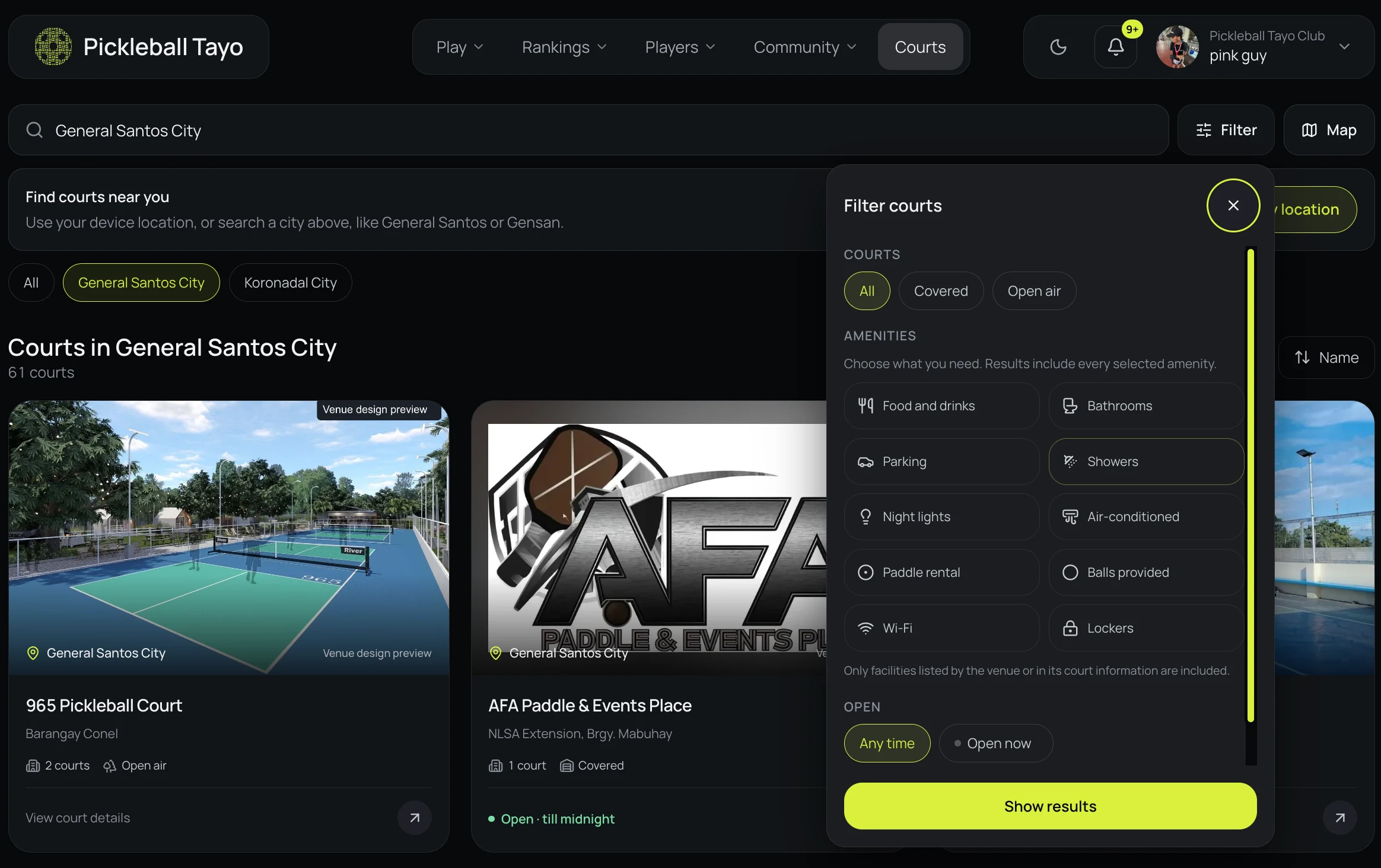
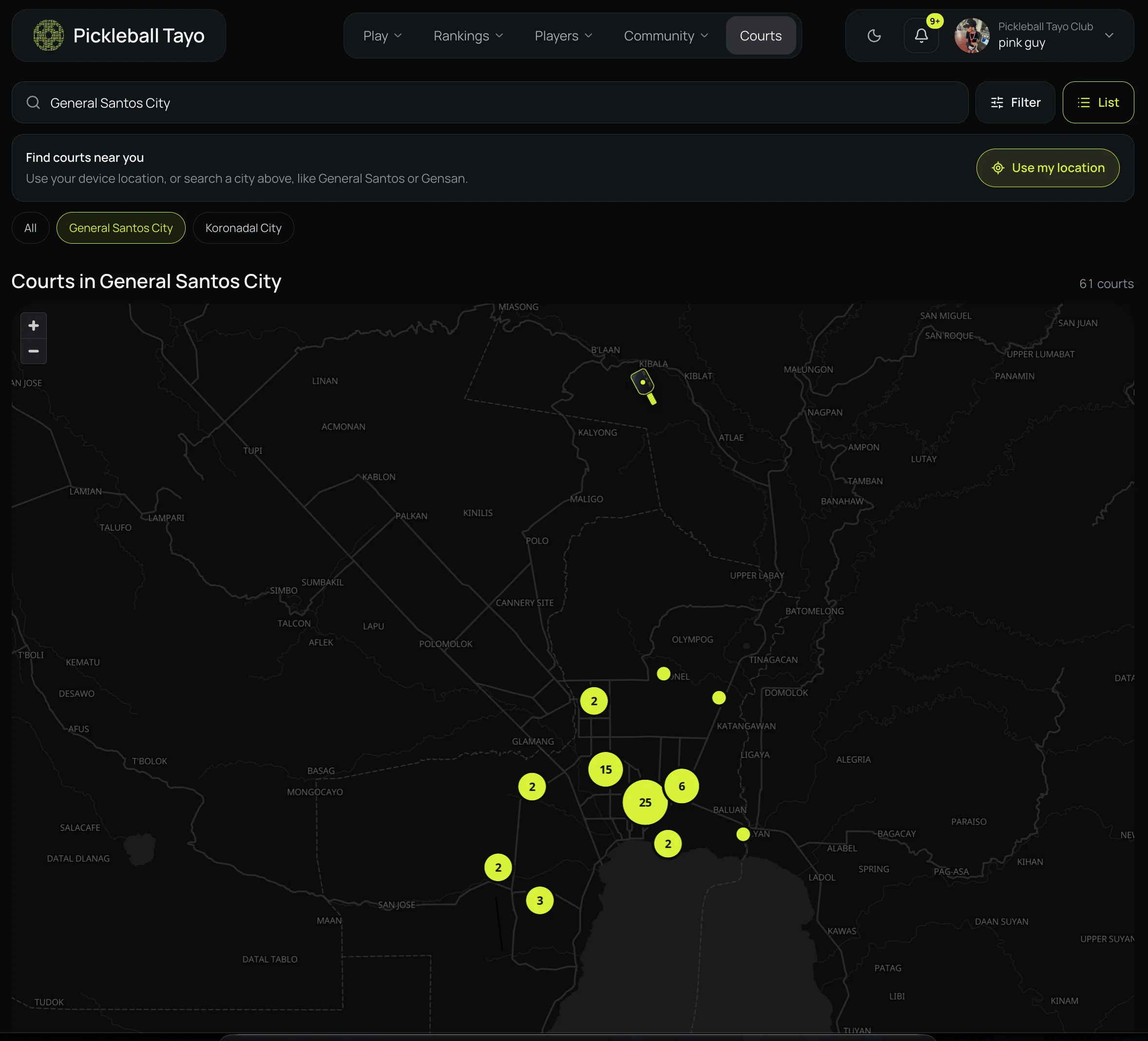
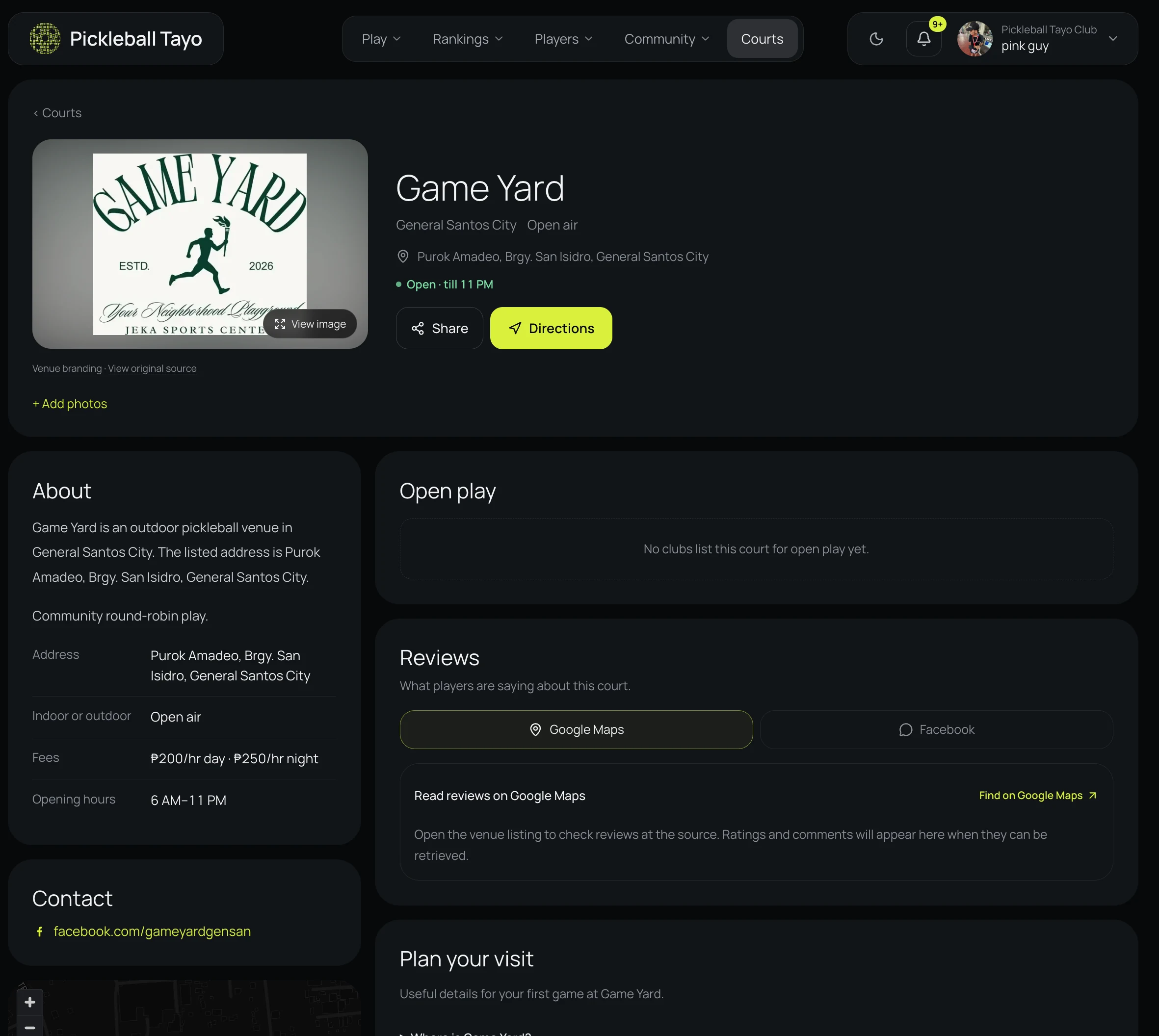
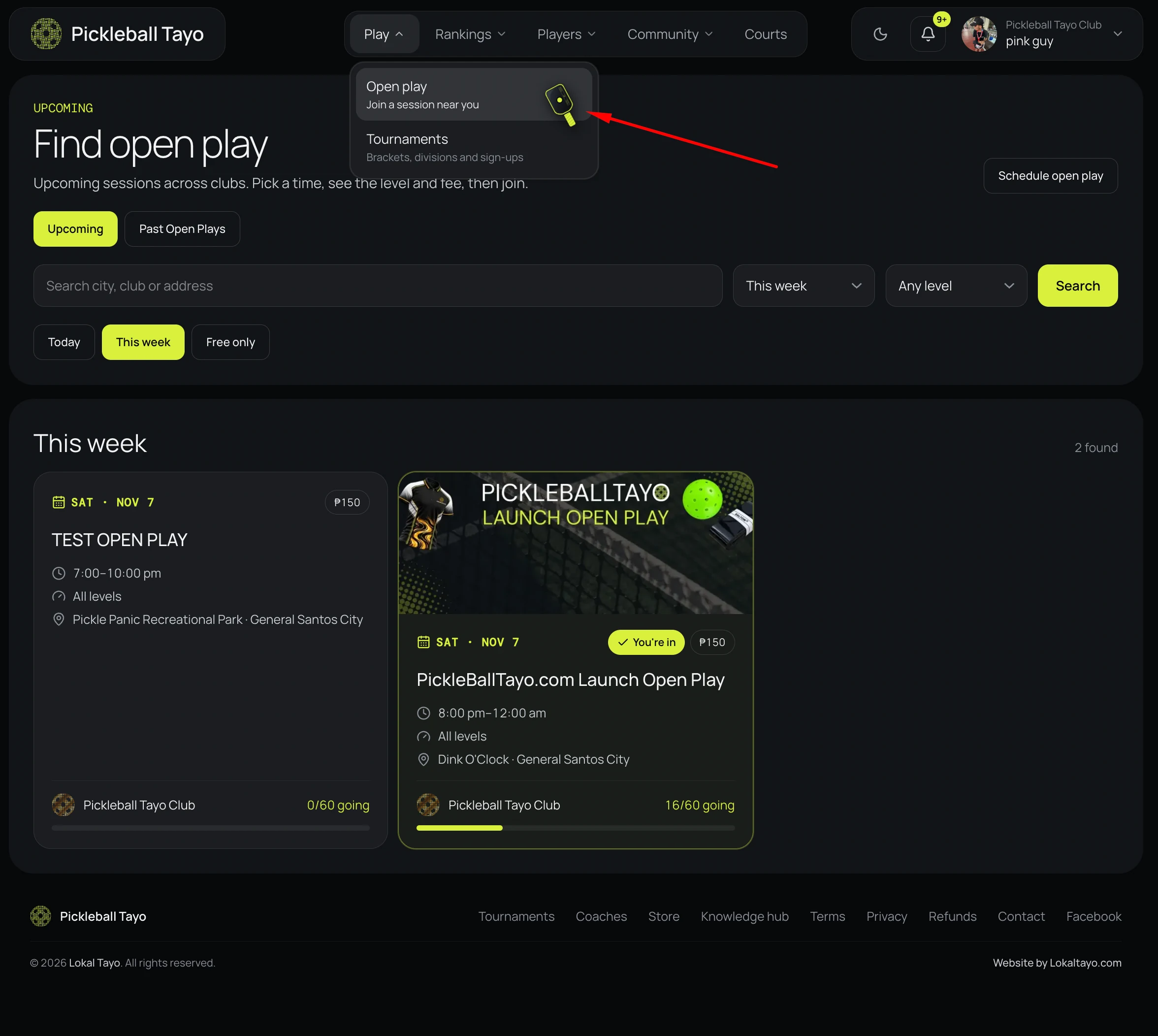
Use the Sign in tab with the account you just created. Once signed in, find nearby courts or open play from the site navigation.